

Setup
- Open your project and go to the PR Testing tab.
- Enable Test groups for PRs and select one or more test groups to run on pull requests. Enabled tests in the selected groups will execute against every new deployment preview.
- In Integrations → Vercel, connect Vercel and choose the matching Vercel project.
- If Vercel deployment protection is enabled, add a bypass token.
main, to trigger automatic runs.
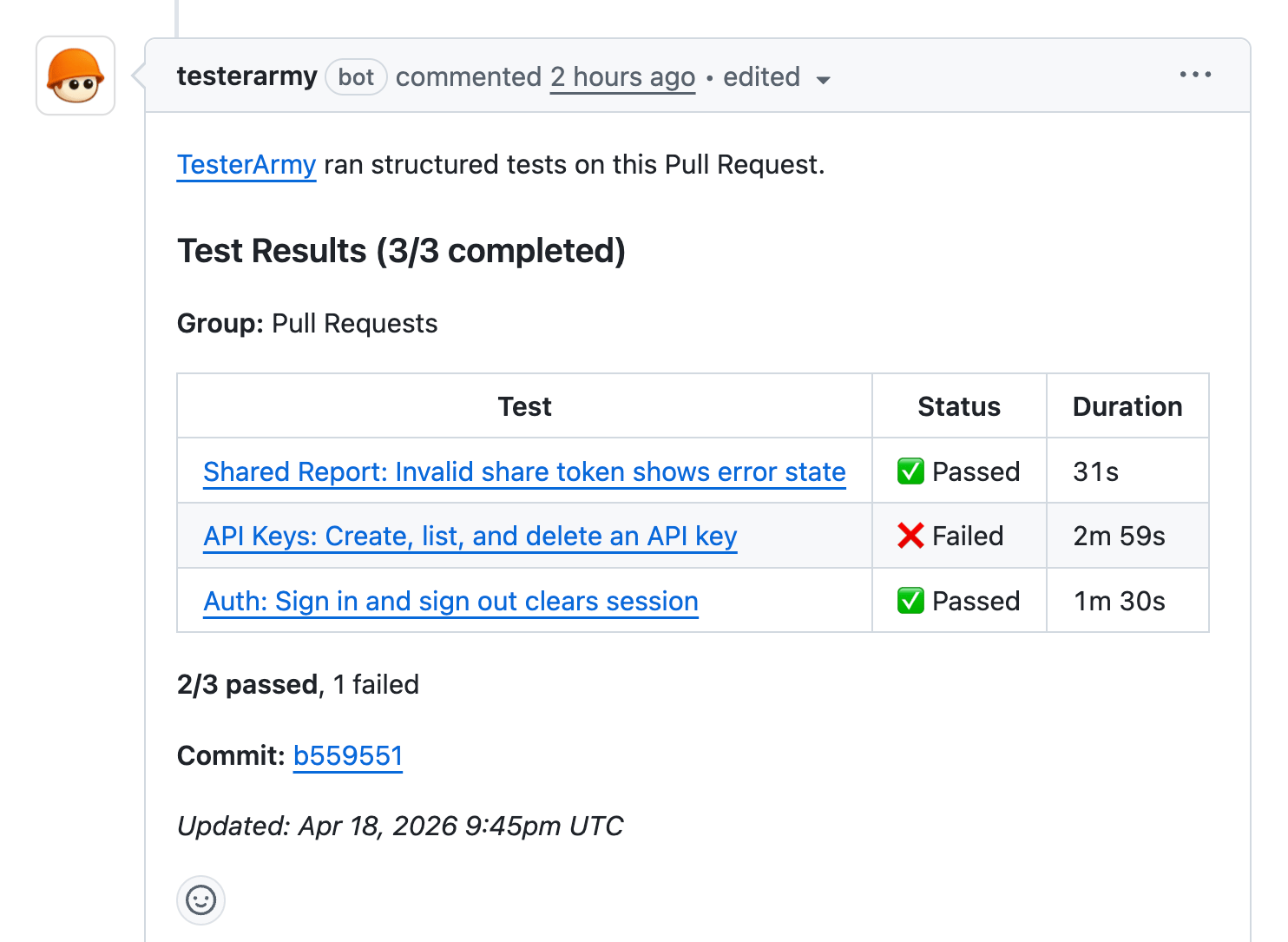
Every new preview deployment now triggers the selected test groups automatically. Each group runs as its own batch with its own GitHub check and PR comment.
Disabled tests are skipped in PR runs but remain available for manual runs.
If a selected group uses a Preparation Test, PR runs honor it too: the prep test runs first, web consumers reuse the saved session, and non-web consumers stay in that group’s batch without browser-session reuse.