

Create a bypass token
- Open the project in Vercel.
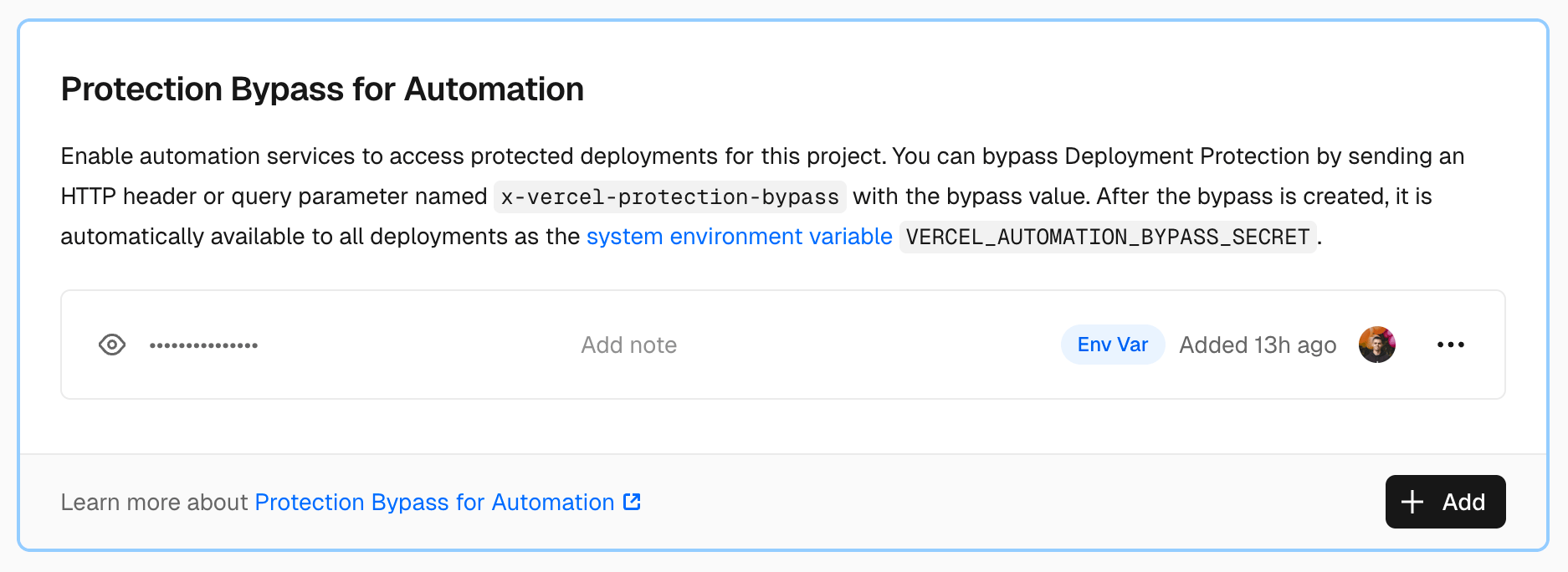
- Go to Project Settings → Deployment Protection → Protection Bypass for Automation.
- Create and copy the token.
Add the token to TesterArmy
- Open the matching project in TesterArmy.
- Go to Integrations → Vercel.
- Connect Vercel and select the matching Vercel project if you have not already done so.
- Paste and save the bypass token.
- Retry a test against the protected preview URL.
Custom domains
TesterArmy applies the bypass to the host in the run’s target URL. If the run uses a custom domain, confirm that the domain belongs to the protected Vercel deployment and that the run targets that domain.Troubleshooting
The Vercel authentication page still appears
- Confirm the token is active under the selected Vercel project’s Deployment Protection settings.
- Confirm TesterArmy is connected to the same Vercel project.
- If the token was regenerated in Vercel, replace the saved value in TesterArmy.
- Confirm the run targets the expected Vercel deployment or attached custom domain.
- Retry the run.